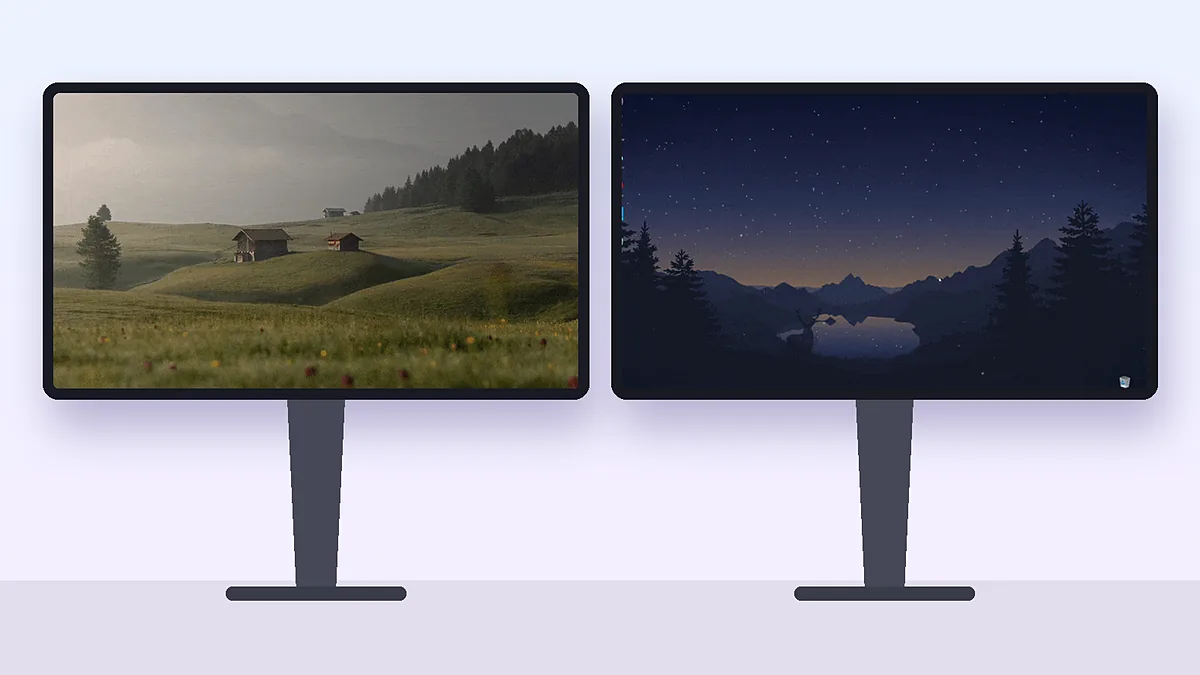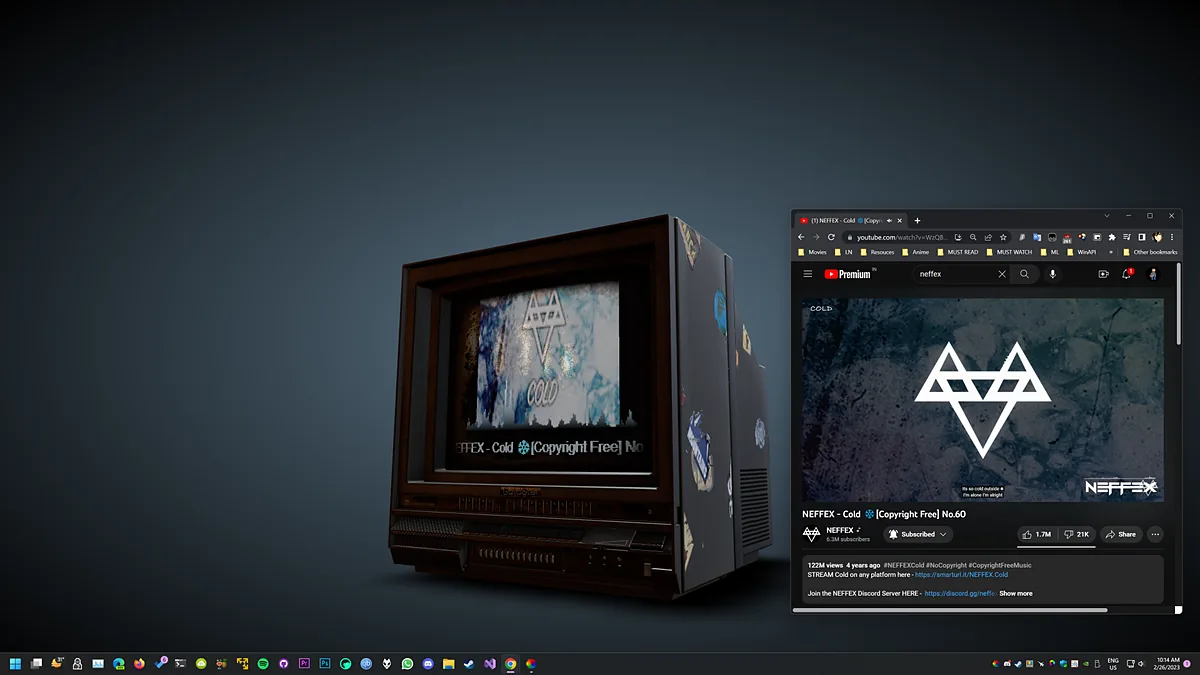
LivelyWallpaper APK searches are common, because people who enjoy Lively on their PC naturally want the same moving backgrounds on their phones. The short answer is that the project does not publish an Android version. LivelyWallpaper is a native Windows desktop application, and any APK carrying its name comes from somebody else.
Understanding why that is, and what risks come with unofficial APK files, helps you protect your phone while still enjoying animated wallpapers on Android through safer routes.
Why LivelyWallpaper Is a Windows Application
Lively is built specifically around the Windows desktop. It places wallpapers behind the desktop icons using Windows window management, and its current interface uses WinUI 3 and the Windows App SDK. None of those technologies exist on Android, which uses an entirely different system for live wallpapers.
The project's official download channels reflect this focus. Releases are published on GitHub and in the Microsoft Store, with Windows 10 and Windows 11 listed as the supported platforms. No Google Play listing or official Android package appears among them.
What the Official Sources Offer
| Source | Platform | What you get |
|---|---|---|
| GitHub releases | Windows 10 (1903+) and 11 | Standalone installer |
| Microsoft Store | Windows 10 (1809+) and 11 | Store-managed app with updates |
| Google Play | Not available | No official Android app |
| Third-party APK sites | Not official | Unknown files using the name |
The Risks of Unofficial LivelyWallpaper APK Files
Files labelled as a LivelyWallpaper APK are, at best, unrelated wallpaper apps borrowing a familiar name. At worst, they are repackaged software containing aggressive advertising, tracking components or malware. Because the original project never produced an APK, there is no genuine file to compare against.
Sideloading also removes the protection that official app stores provide. Google Play scans submitted apps, while a random APK download can request broad permissions such as access to contacts, storage or notifications with no clear reason for needing them.
- Unexpected permission requests unrelated to wallpapers
- Pop-up advertising that appears outside the app
- Battery drain from hidden background activity
- Fake download buttons that lead to more installers
How to Spot a Misleading Download Page
Pages offering a LivelyWallpaper APK often reuse the colourful flower logo and promise "the PC version on mobile". Version numbers, file sizes and ratings on these pages cannot be verified, since there is no official Android release to match them against.
A trustworthy software page links to the developer's own channels. For Lively, that means the GitHub project and the Microsoft Store listing. Anything else claiming to be the Android edition should be treated as unofficial, regardless of how professional the page looks.
Checking an App Before You Install It
Google Play listings show the developer name, contact details, data safety information and recent reviews. Comparing those details with what an app claims to do is the quickest way to separate a genuine wallpaper app from one that borrows a famous name for attention.
Safer Ways to Use Live Wallpapers on Android
Android already supports live wallpapers natively, so there is no need to chase an imitation. Many phones include built-in animated backgrounds in the wallpaper settings, and manufacturers often add their own collections through theme stores.
Google Play also hosts wallpaper apps from established developers. Reading recent reviews, checking the developer's other apps and reviewing requested permissions before installing will steer you toward reputable choices.
- Check your phone's own wallpaper and theme settings first
- Install wallpaper apps only from Google Play or your device's official store
- Review permissions and decline anything unrelated to wallpapers
- Prefer apps with a clear privacy policy and active updates
Matching the Look of Your PC
Many people want their phone to match the LivelyWallpaper on their desktop. If you own the original video or image, you can usually set it as a phone wallpaper directly, because Android accepts video wallpapers through several reputable apps and some built-in galleries.
Respect the creator's terms when copying wallpapers between devices. Content you made yourself or downloaded under a suitable licence is fine to reuse, while paid or restricted artwork may not allow it.
Why People Search for a LivelyWallpaper APK
LivelyWallpaper has built a strong reputation on Windows, and screenshots of animated desktops travel widely on social media and forums. Naturally, people who see those desktops on a phone screen assume an Android edition must exist, and searches for an APK follow.
Video sharing sites add to the confusion. Clips showing a live wallpaper on both a PC and a phone often use different apps for each device, yet the titles rarely make that clear. Some download pages take advantage of this by attaching the Lively name to unrelated wallpaper apps.
- Popular desktop screenshots create demand for a mobile version
- Videos mix PC and phone wallpaper apps without explanation
- Unofficial download pages reuse the Lively name and logo
- Older forum posts may mention fan-made projects that are no longer maintained
What About Other Devices?
Lively's Windows focus also affects other platforms. ChromeOS, macOS and iOS cannot run the Windows desktop app directly. Chromebook owners face the same situation as Android users, and the Chromebook article explains the options in more depth.
Windows remains the place where Lively shines. On a Windows 10 or 11 PC you get the full feature set, including video, GIF and web wallpapers, multi-monitor layouts and automatic pausing. The download walkthrough for PC covers installation from the official sources step by step.
If a website offers a LivelyWallpaper APK, assume it is not from the Lively project, because the project has never released one.
Conclusion
LivelyWallpaper APK files are not official, since LivelyWallpaper is designed only for Windows 10 and Windows 11. Downloading an APK under that name exposes your phone to unknown code without the safeguards of an app store.
For Android, built-in live wallpapers and reputable apps from Google Play give you animated backgrounds safely. Keep Lively for your Windows PC, where it runs as intended with its complete set of features, including video and web wallpapers, multi-monitor layouts and smart pausing for games and battery power.