LivelyWallpaper 4K: Setting Up Sharp Live Backgrounds on High-Resolution Screens
Set up LivelyWallpaper 4K backgrounds the right way: choosing 4K video files, matching resolution and frame rate, and keeping playback smooth on Windows.
Read articleClear, practical articles for getting the most from LivelyWallpaper on Windows, from installation and custom media to multi-monitor layouts and smooth performance.

Set up LivelyWallpaper 4K backgrounds the right way: choosing 4K video files, matching resolution and frame rate, and keeping playback smooth on Windows.
Read articleLooking for a LivelyWallpaper APK? Learn why Lively is a Windows-only app, the risks of unofficial APK files, and safer ways to get live wallpapers on Android.
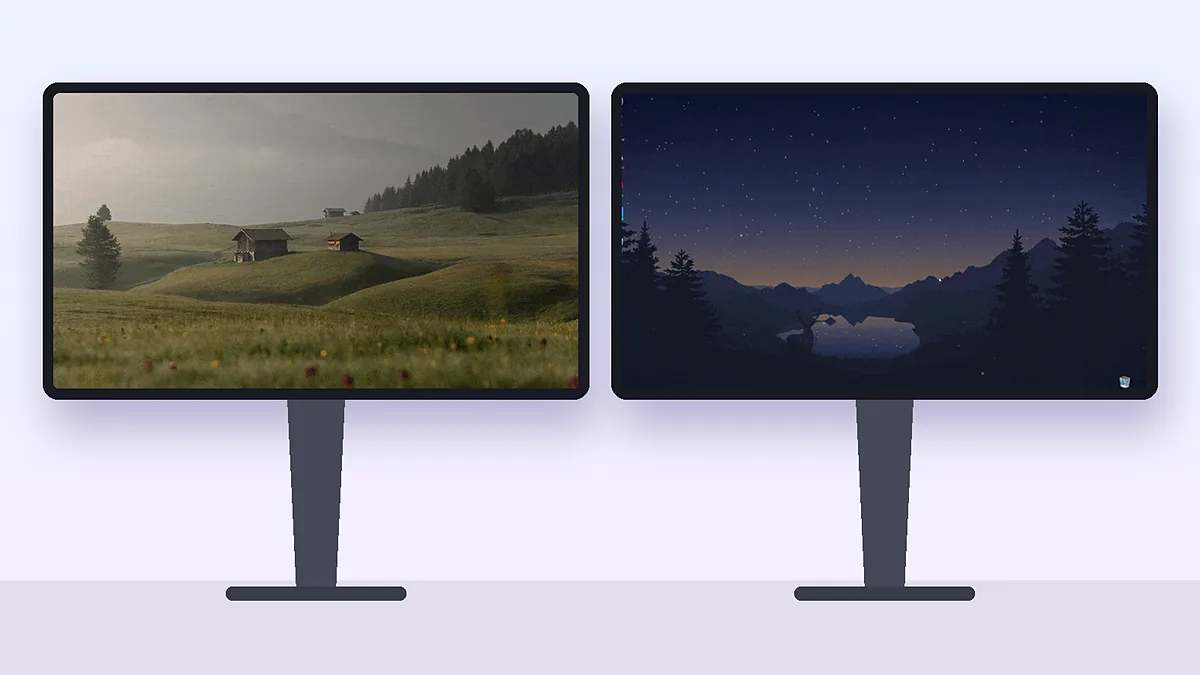
Read articleConfigure LivelyWallpaper on dual monitors with per-screen, span and duplicate layouts. Covers mixed resolutions, ultrawide files and performance tips.
Read articleTurn any MP4 into a LivelyWallpaper background on Windows. Learn how to import the file, choose the right encoding, loop it cleanly and fix playback issues.
Read articleCan LivelyWallpaper run on a Chromebook? Learn why the Windows app does not install on ChromeOS, why workarounds disappoint, and which alternatives work.
Read articleMake the most of the LivelyWallpaper Reddit community: what r/LivelyWallpaper is for, how to ask good questions, share wallpapers and stay safe with downloads.
Read articleCreate LivelyWallpaper custom wallpapers from your own videos, GIFs, images and web pages. Covers drag and drop, supported formats, Customise options and sharing.
Read articleDownload LivelyWallpaper for PC from official sources and install it on Windows 10 or 11. Compare Store and installer editions and set your first live wallpaper.
Read articleLivelyWallpaper using too much CPU or GPU? Learn what drives resource use and how pause rules, video players and lighter wallpapers bring usage down.
Read article